How HouseLoop Vision works
HouseLoop Vision analyzes listing photos and identifies home features the MLS does not always include, such as white kitchens, freestanding tubs, finished basements and open floor plans. Each HouseLoop Vision finding is linked to the evidence photo where the feature was detected, so the source and evidence stay together.
- HouseLoop Vision analyzes the listing photos.
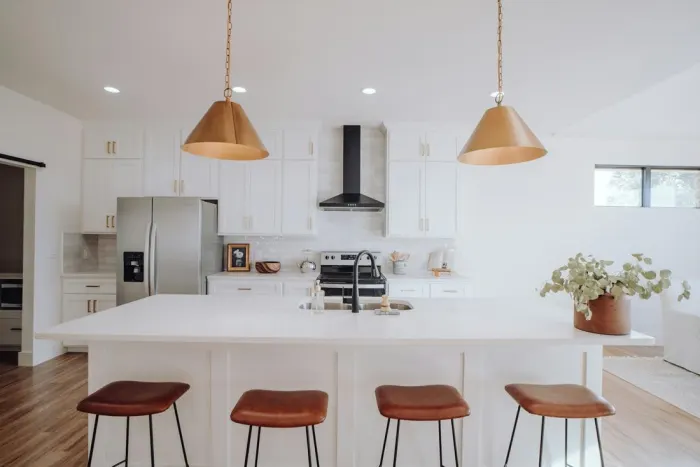 White kitchenHouseLoop Vision identifies home features.
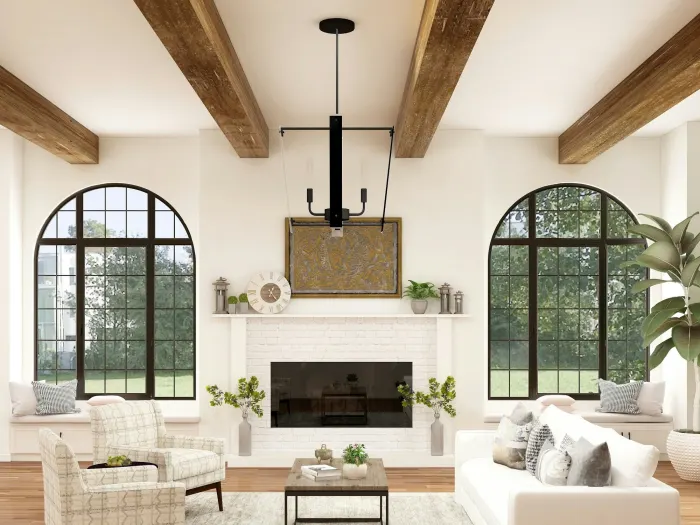 Every finding points to the photo.
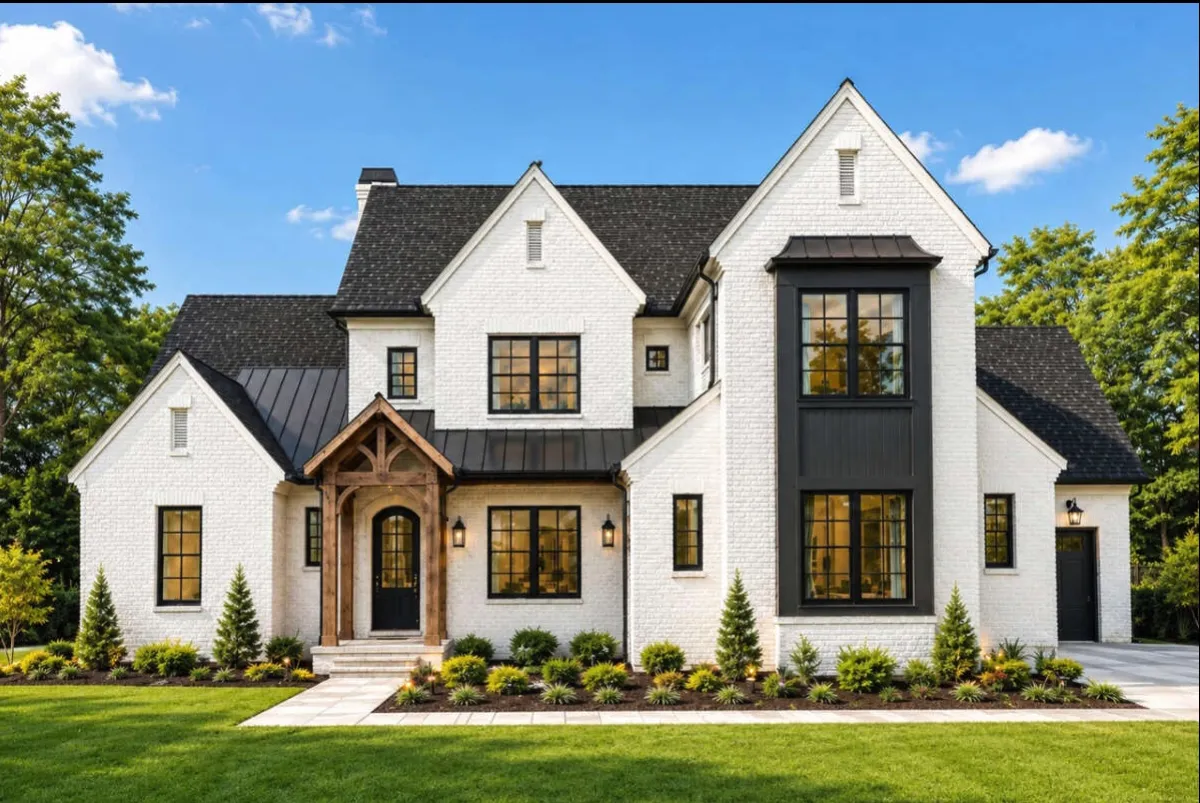
HouseLoop Vision findingDetected in photo 8
HouseLoop Vision detected a white kitchen in photo 8.
On a HouseLoop listing, tapping the finding opens its evidence photo.
What HouseLoop Vision finds
HouseLoop Vision finds details in listing photos that are not always available as searchable MLS fields.
Examples include:
- White kitchen
- Kitchen island
- Freestanding tub
- Walk-in shower
- Hardwood floors
- Open floor plan
- Finished basement
- Quartz counters
- Double vanity
- Double oven
- Stainless steel appliances
- Fireplace
- Mature trees
A HouseLoop Vision finding comes from HouseLoop's analysis of the listing photos.
Every finding includes its evidence
HouseLoop connects each HouseLoop Vision finding to the listing photo where the feature was detected.
On a listing page, HouseLoop states the finding plainly:
"HouseLoop Vision detected a white kitchen in photo 8."
The feature chip also identifies photo 8. Tap the finding and HouseLoop opens that evidence photo.
The same finding, source name and evidence-photo number are used in the visible listing page and the machine-readable listing data.
HouseLoop Vision and the MLS
Heartland MLS and HouseLoop Vision are separate sources.
Heartland MLS provides listing information such as price, bedrooms, bathrooms, square footage and MLS-listed property details.
HouseLoop Vision provides HouseLoop's analysis of the listing photos.
When a feature comes from HouseLoop Vision, HouseLoop identifies the source by name:
HouseLoop Vision detected a white kitchen in photo 8.
When the MLS also provides information about the same feature, HouseLoop can identify both sources separately.
How we measure HouseLoop Vision
For features that Heartland MLS records in a comparable way, HouseLoop measures HouseLoop Vision's results against Heartland MLS data.
Current measured results:
| Feature | Measured accuracy | Homes checked |
|---|---|---|
| Attached garage | 96% | 373 |
| Appliance finish | 95% | 457 |
| Finished basement | 98% | 218 |
| Fireplace | 94% | 368 |
| Range type | 90% | 226 |
These measurements describe HouseLoop Vision's performance across the homes checked.
The evidence for an individual HouseLoop Vision finding remains the listing photo linked to that finding.
The words HouseLoop uses
- HouseLoop Vision
- HouseLoop's system for analyzing listing photos.
- HouseLoop Vision finding
- A home feature HouseLoop Vision detected in listing photos.
- Evidence photo
- The listing photo where HouseLoop Vision detected the feature.
- MLS fact
- Listing information sourced from Heartland MLS.
Last updated October 1, 2026.